 01
Feedback you can see.
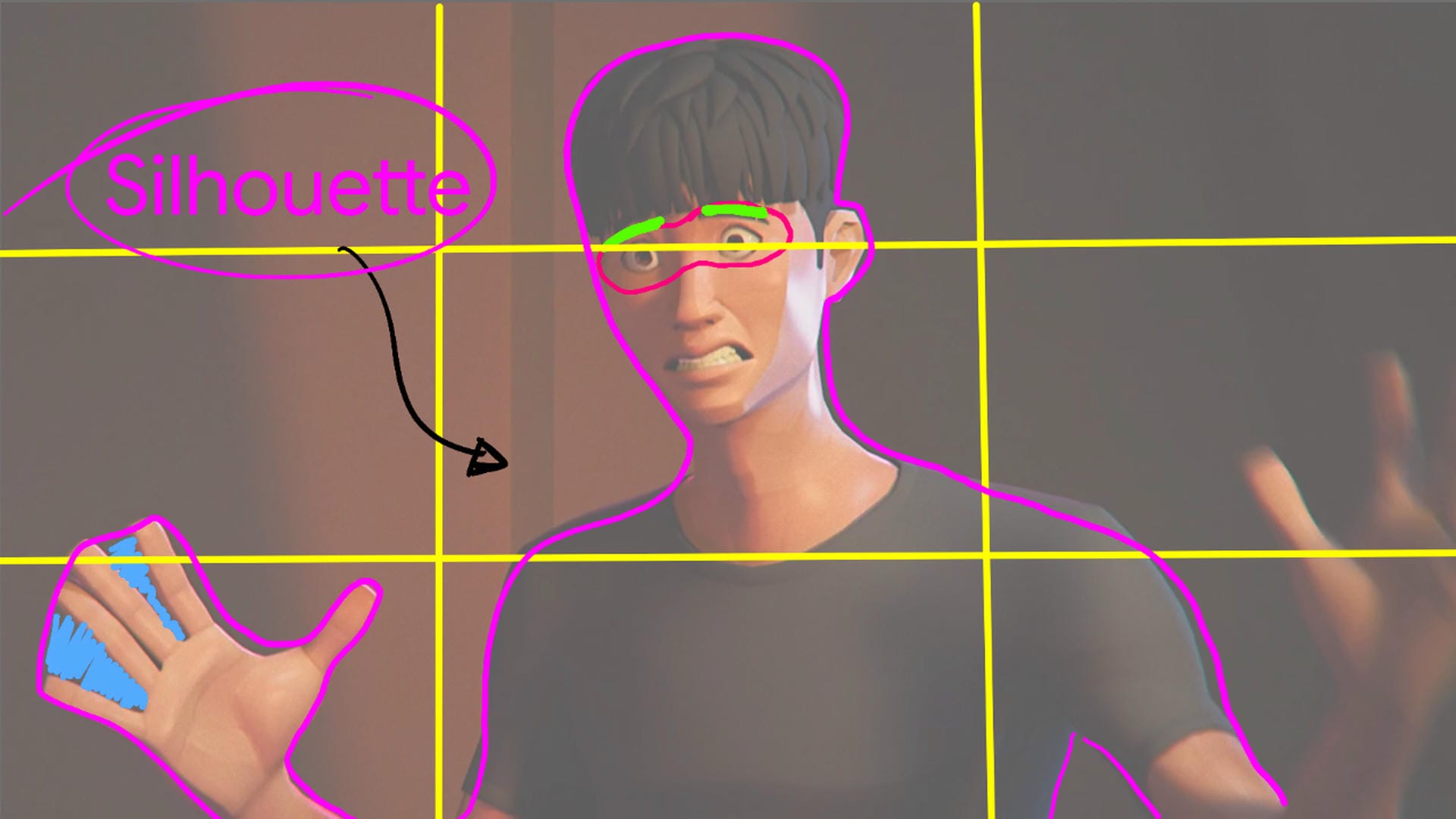
Mark poses, arcs, and details directly over your work. Make every correction easy to understand.
FOR ANIMATORS AND ARTISTS AnimInk.VERSIÓN EN ESPAÑOL Get AnimInk
Your screen, your canvas. Draw and annotate over your Windows apps to make every idea clear from the start.

Discover AnimInk with Alex Puente: a straightforward walkthrough, practical examples, and new ways to bring your ideas to life.
Coming soon: AnimInk explained by its creator.
Try the real app for 7 daysA circle, an arrow, a correction.
Sometimes that is all you need.
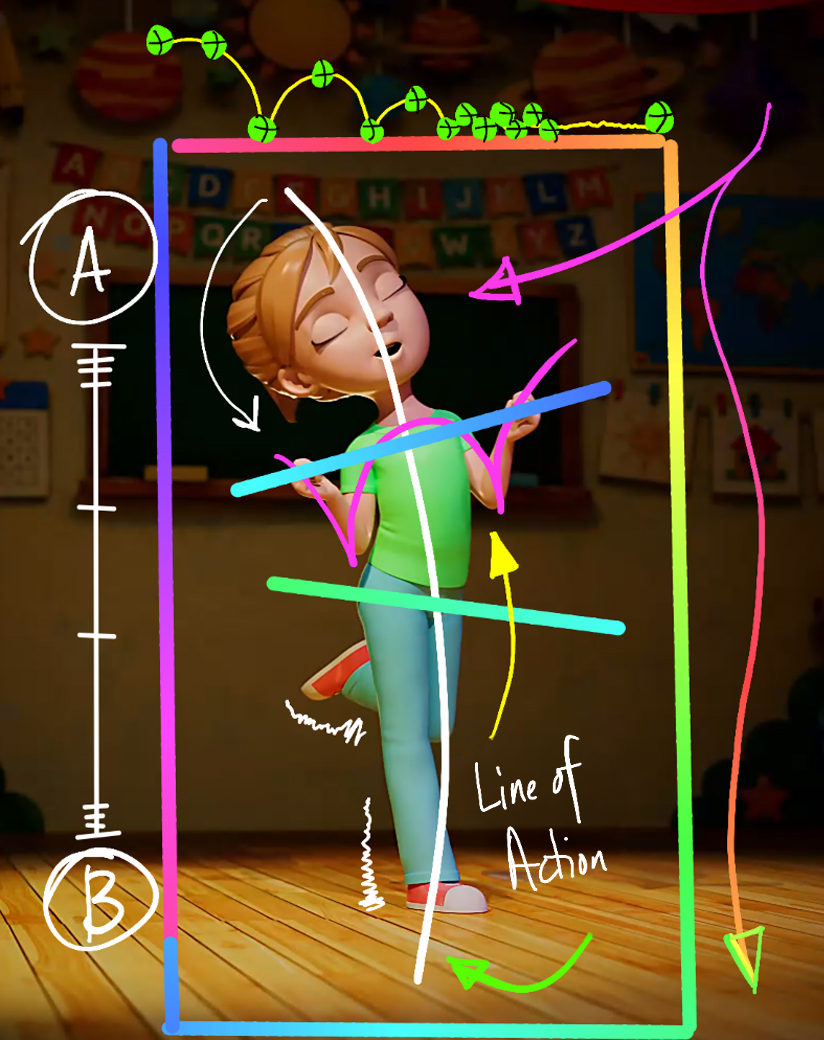
01Mark poses, arcs, and details directly over your work. Make every correction easy to understand.
FOR ANIMATORS AND ARTISTS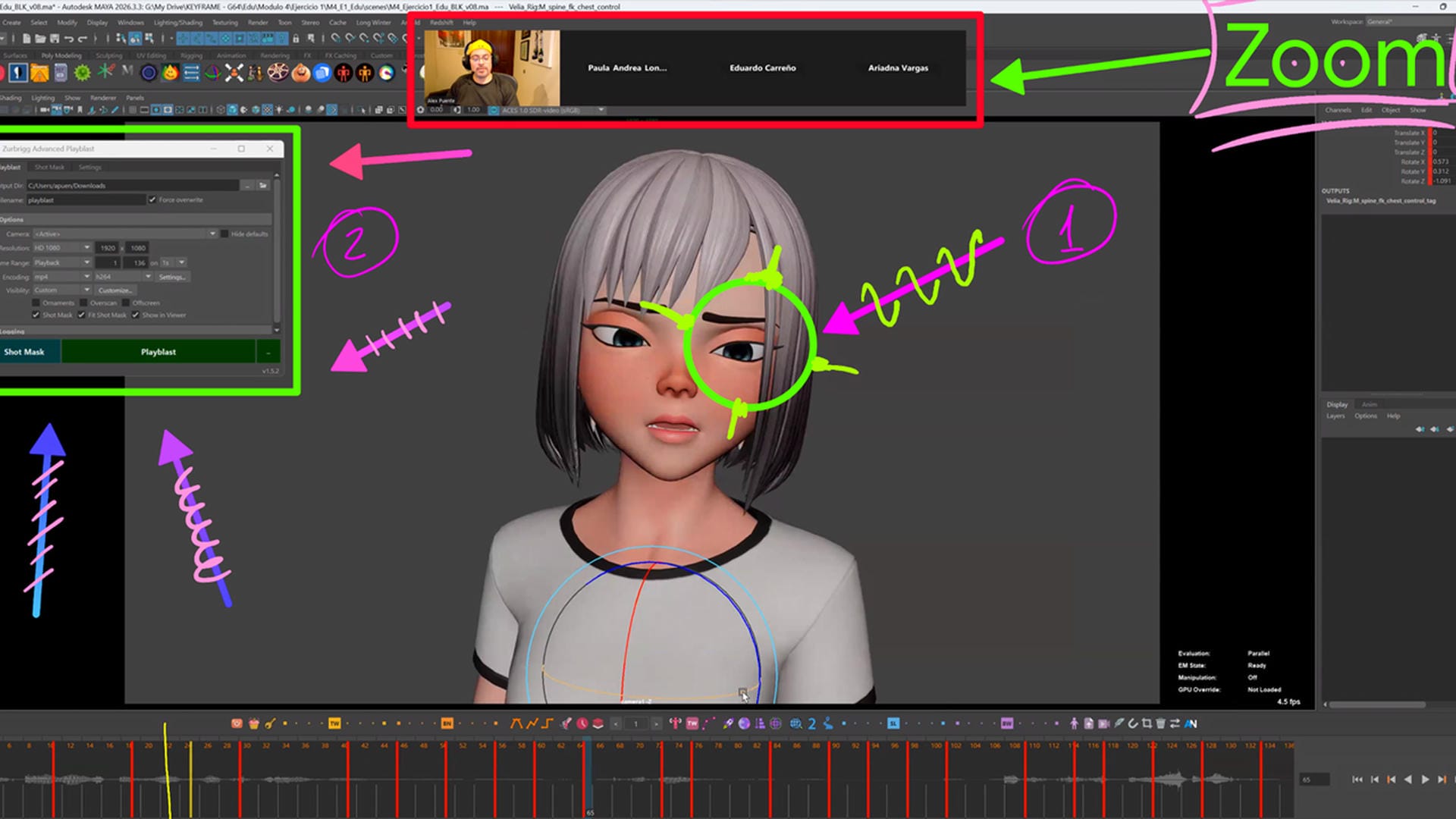 02
Add drawings to your classes and presentations. Guide attention to exactly what you want to explain.
FOR MENTORS AND EDUCATORS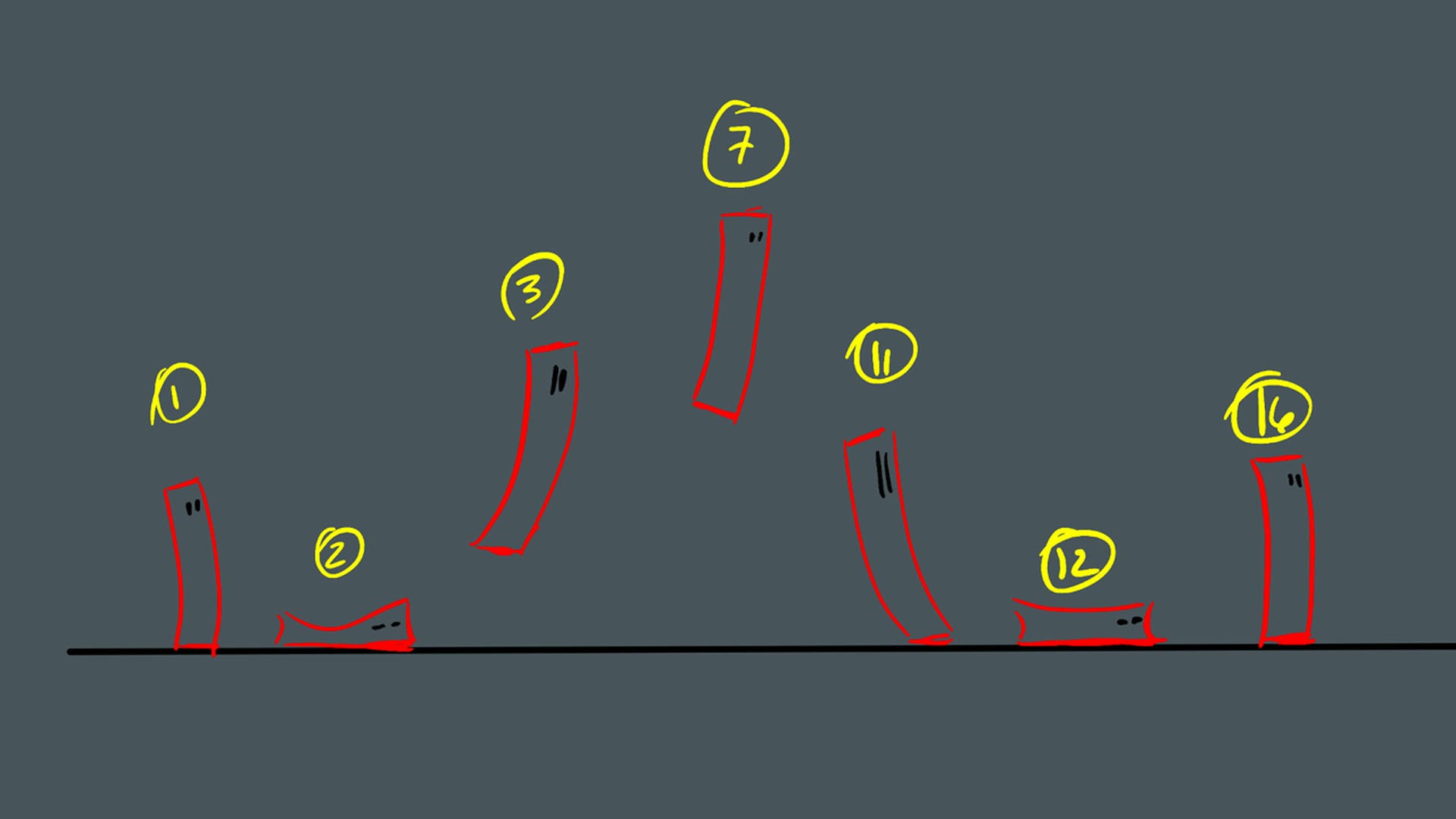 03
Point, draw, and return to your app. Capture your screen with annotations whenever you want to share them.
FOR TEAMS AND CREATIVESYour pen pressure, your apps, and your way of drawing. The best way to get to know AnimInk is to use the actual application.
All features · Windows 10 / 11 · No license purchase required
Run the installer and you’re ready to draw.
Test your pen, pressure, and stabilization in your own workflow.
Explore every tool for 7 days before buying.
Follow along as I walk you through installing AnimInk, setting it up your way, and getting the most out of every tool.
Coming soon: your guide to setup and tools.
Download AnimInk and follow alongThe tools you need, in a toolbar
you can move, collapse, and make your own.
Draw with a mouse or pen. Adjust the pressure curve and stabilization to find your preferred drawing feel.
Pick your color or turn on Rainbow to create strokes that change hue as you draw.
With Fade, your strokes disappear on their own. With Freeze, they stay while you develop your explanation.
Switch between drawing and using the apps underneath. Customize your shortcuts to work your way.
Add a white layer beneath your annotations and adjust its transparency to highlight what matters.
Save a PNG capture of your selected screen with your drawings. Ready to share whenever you choose.
No subscriptions. No complicated desktop setup.
A tool that adapts to the way you explain.
One-time payment. No subscriptions.
100% English interface and menus. 100% English support.
A license for one computer.
Use the version you purchased indefinitely.
7 days · All features · No license purchase required
Windows 10 / 11, 64-bit · Installer included
Email activation in under 24 hours after you send your machine code and proof of payment to animink@keyframeschool.com.
Windows 10 or 11 (64-bit) and a mouse or pen tablet. Download AnimInk, run the installer, and open the app from the Start menu. No Python installation is required. Pressure support depends on your tablet and its settings; use the 7-day trial to check how it works on your computer.
No. AnimInk works over any application or combination of applications you have open on Windows. Add annotations wherever you want, whenever you want, without changing the contents of your windows, files, or documents.
Not at all: you can draw with your mouse. To take advantage of pressure sensitivity and have greater control over line thickness, we recommend a compatible pen tablet. With a mouse, line thickness stays constant.
No. The license costs $20 USD as a one-time payment for one computer, with indefinite use of the purchased version. Bug fixes for that version are included; new versions with additional features may have a separate price.
After purchasing, send your Machine Code and proof of purchase to animink@keyframeschool.com. You will receive a key to paste into AnimInk’s Activate window in under 24 hours after we receive your machine code and proof of payment. If you change computers or reinstall Windows, you can request a new key at no additional cost.
The app works offline and does not send your drawings or screenshots anywhere. To keep your work, save a PNG before closing: annotations are not automatically saved when you exit.
Yes. AnimInk’s English version has a 100% English interface, including every menu. We also provide help and customer support entirely in English, so you can contact us in English at any time.
We are working on bringing AnimInk to macOS. For now, the available version runs on Windows 10 and 11 (64-bit). Subscribe to the newsletter for product news and updates on Mac availability.
Tell us what you need: a question about AnimInk, help with your license, or an idea you would like to see in the app. We provide help and support entirely in English.
animink@keyframeschool.comYou can also email us directly.
Less “does that make sense?”.